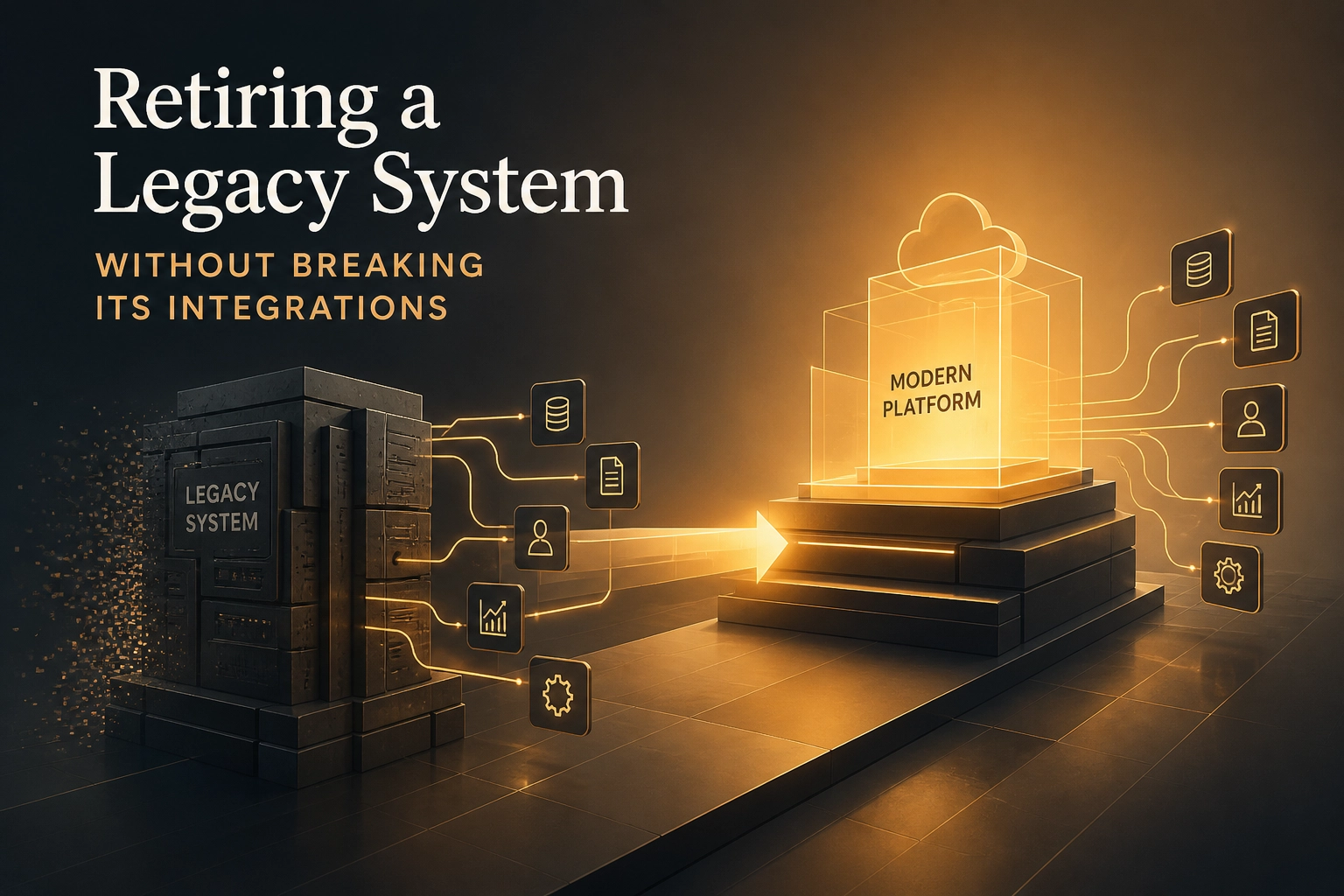
Nobody retires a legacy system because they still believe in it. They retire it because a budget line forces the question, and the answer turns out to be harder than expected. The system survives on undocumented dependencies: batch jobs, hand-keyed exports, a weekly report someone downstream quietly relies on.
A sequenced retirement solves this dependency problem, and the sequence matters more than the speed. This post covers the execution path: dependency mapping, a freeze on new dependencies, the data-disposition decision, a parallel run against predefined criteria, and contract exit. Readers working in IT service management will see where undocumented integrations hide inside their own records, and why disposition gets skipped until it becomes a crisis. The guidance is drawn from practitioner experience and framed by federal lessons on incomplete modernization plans, not presented as proof of private-sector patterns.
The goal is straightforward. Remove the cost, keep the workflows, and break nothing that matters.
Why Legacy Systems Outlive the Reason Anyone Kept Them
Legacy systems outlive their end-of-support dates on undocumented dependencies: a scheduled job feeding month-end reconciliation, a nightly file drop to a supplier interface, a spreadsheet refreshing from an extract folder for a manager’s weekly review.
Cost reduction programs stall on one question: what happens to the reports nobody admits to using? No one volunteers as a consumer, so no report is retired, and the system keeps its justification.
Federal evidence is a lesson, not proof of private-sector patterns. GAO found six of nine IRS legacy-linked modernization initiatives never specified how outdated systems would be disposed of; officials deferred it to “the appropriate time,” though GAO calls disposition a key element in IT modernization. A complete plan covers milestones, the work, and disposition. In 2025, only three agencies had plans covering all key practices.
GAO warned that undocumented plans increase the likelihood of cost overruns, schedule delays, and overall project failure. About 75% of FY2015 federal IT budgets went to operations and maintenance; 5,233 of roughly 7,000 investments spent all their funds there.
This is a sequence problem, not a business case problem. Each phase below produces a decision to clear before the next begins; skipping a gate is what breaks integrations. Across Exton, Philadelphia, Wilmington, Cherry Hill, Lancaster, and Reading, lean IT teams carry years of workarounds held together by knowledge that often lives with one person.
What Has to Be True Before Phase One Starts
Six conditions must hold before anything else starts. Wider unification efforts fail on the same sequencing discipline described in this dependency-ordered roadmap.
- Telemetry access: job scheduler configuration, ETL tooling, integration platform logs, database connection history, and the CMDB or service catalog record. The CMDB is where integrations should be logged, so the gap between telemetry and that record is the finding.
- Contract and vendor visibility: signed agreement, notice period, data-export clauses, transition-assistance terms, and who actually holds the relationship. If the MSP owns the renewal, get that in writing first.
- Named freeze authority: the power to freeze the system and reject new integration requests against it. A retirement owner without it is a project manager, not a gate.
- A contactable report consumer list: pulled from distribution lists, scheduler job recipients, and extract folder permissions, not from a request for volunteers.
- A double-running budget line: the parallel run costs two systems for a defined window, and finance will defeat the plan without it.
- A cost baseline: license, hosting, support hours, and internal labor, so the saving is evidenced rather than asserted.
Step 1: Map Every Dependency, Documented or Not
With telemetry access in hand, begin on the machine side. Export the scheduler’s job list, inventory every inbound and outbound file drop with source and destination, pull database connection logs, and extract twelve months of API call records. Machines report what people forget.
Then reverse-engineer the consumers: report extracts, ad hoc queries saved on desktop drives, hand-refreshed spreadsheet feeds, and printed outputs feeding downstream reconciliation. The sequencing discipline in our guide to IT integration after acquisition applies here; the same order-of-operations logic governs dependency tracing.
Interview by workflow, not by team. Ask what breaks if the system stops at 2 a.m. on the first working day of the month. That question produces dependencies; asking whether a team uses the system produces denials.
Classify every dependency: must migrate, retire outright, has a manual or alternate replacement, or unknown and still being traced. Only the unknown bucket blocks the gate.
Assign a named owner to each, including supplier or regional partner connections nobody remembers approving.
Gate decision: proceed only when every dependency has an owner, a bucket, and a next action. Unknowns keep the gate closed.
Where Undocumented Integrations Hide in Your IT Service Management Records
That telemetry-versus-CMDB gap shows up in six recognizable places.
- Scheduled jobs created by a departed employee, still firing nightly into an output nobody can name the reader of.
- Report extracts emailed to distribution lists, where the list, not the request log, is the only evidence the report exists.
- Hand-refreshed spreadsheet feeds pulled from a shared folder that feed a board pack or a bank reconciliation. These are applications owned outside IT governance and often lack basic processing integrity controls.
- Hard-coded point-to-point scripts between finance and operations, written under deadline pressure and never put through change management.
- Vendor-side integrations each party assumes the other owns, typically payment files, EDI, or a hosted portal.
- Physical and flat-file outputs still driving a manual step: printed pick lists, signed remittance advices, a flat file handed to an accountant.
None of these appear in a request log. A structured infrastructure assessment surfaces them earlier and cheaper than a failed retirement will, and each one belongs in the dependency register before the freeze takes effect.
Step 2: Freeze New Dependencies on the Old System
Once the map is populated, close the door behind it. Implement the freeze as a change management control, not an announcement: a named approver, a defined scope, and a published end date. An indefinite freeze gets ignored, and a freeze started before mapping completes will be violated by the mapping itself.
Route every exception request through the dependency register. A late request is not grounds to reopen the old system; it is a newly discovered dependency that belongs on the map with an owner. Redirect all new requirements to the replacement platform. If the replacement cannot accept them yet, that is a gap in the replacement plan, and it should be visible rather than quietly absorbed by the legacy system.
Notify vendors and your MSP in writing that the system is frozen and the exit date is scheduled. Undisclosed freezes invite scope that reappears as a change request at exit; the same discipline should shape how you reopen MSP and vendor contracts ahead of that date.
Gate decision: the freeze is in force when it is documented in change management, acknowledged by every vendor touching the system, and the exception log is either empty or fully mapped with owners.
Step 3: Decide Data Disposition Early, Not at the Appropriate Time
With the freeze in force, disposition becomes the gate that quietly disappears. Deferral is how the cost outlives the project.
Work every data set against three questions: what must be retained and for how long, what must migrate into the replacement, and what will be destroyed, by which method. Name the obligation behind each set: tax and financial records, employment records, industry regulation, customer contracts, and any active or anticipated litigation hold. Confirm with counsel, not the outgoing vendor.
Fix the archive format and its readability. An archive you cannot query is not a record you can produce to an auditor on request.
Get the schedule signed off in writing before the parallel run begins. Without that signature, the old system survives as a read-only archive, and its cost survives with it. Where the replacement roadmap is still thin, build a future-proof IT strategy before committing dates.
Gate decision: disposition clears only when every data set has an owner, retention period, migration target, destruction method, and date, all documented and approved.
Step 4: Run in Parallel Against Criteria Defined Beforehand
With disposition signed off, the parallel run becomes the last evidence gate. Write the pass definition before the first cycle starts: reconciliation tolerances, permitted exception counts, processing windows, and downstream report parity. A run without a written definition either never ends or ends by exhaustion.
Run long enough to cover a full business cycle, including month-end close, quarter-end, year-end, payroll cutoffs, and any seasonal peak the legacy system was originally built around.
Reconcile by control total or file hash, not by eyeball. Sampling works for high-volume transactional output, but test completeness and accuracy separately; one fails without the other.
Watch the reverse direction. Data flowing back into the old system during the run is evidence of an unmigrated dependency, and it goes back on the map.
Fix the duration in advance and hold it. Open-ended parallel runs become permanent double running, which is the cost outcome retirement was meant to eliminate.
Gate decision: the run passes when reconciliation evidence carries an accountable approver’s signature, exception counts sit within tolerance, and an exit date is fixed rather than provisional. Next comes the contract itself.
Step 5: Exit the Contract on Your Terms
Once the parallel run passes and reconciliation evidence is signed, the retirement stops being technical and becomes contractual. Read the termination clause before you need it: notice period and method, data-export rights and format, transition assistance, and the destruction certificate you are entitled to receive.
Sequence notice only after that gate clears and disposition actions are underway. Serving notice to force a deadline is how organizations end up paying for a system they cannot switch off. Reconcile the exit against service levels and support credits too; notice served mid-term can forfeit credits or trigger minimum-spend shortfalls that quietly cancel out the saving.
Verify the export before the notice period expires. Confirm the files open, the record counts match, and the format is usable by whatever holds the data afterward, because export clauses are often the weakest part of an agreement. Then deprovision deliberately: access removal, license cancellation, domain and certificate handover, backup retention decisions, and removal of the line from the budget.
Where support hours, monitoring tools, and licenses were bundled with the legacy system, apply the same discipline. Unbundling is part of the exit, not an afterthought, and it is where benchmarking your MSP arrangement pays off. Gate decision: exit is complete when notice is served and acknowledged, the export is verified, the destruction certificate is on file, and the cost line is gone from the budget.
Failure Modes That Stall a Retirement Midway
Exit failures rarely begin at the exit. The gates break earlier, and usually in one of six recognizable ways.
Disposition deferred indefinitely. If no one can name a date, the decision has not been made, and the old system keeps drawing license and support spend long after the replacement is live.
A parallel run with no defined pass. The run continues until people stop attending reconciliations, and the old system is quietly kept anyway, so the double-running cost becomes the standing budget.
A freeze with no end date or exception route. Without a way to route exceptions, the business builds its new integration somewhere else instead, and the shadow integration lands on whoever maintains that other platform.
Notice discovered late. Reading the termination clause after decommissioning starts means two systems billed through the next renewal, and the overrun lands on the following fiscal year.
An application inventory instead of a workflow map. The integrations that break a retirement are job schedules and file drops, and they rarely appear in an application list, so the breakage surfaces in production rather than in planning.
Knowledge concentration. When one long-serving administrator holds the operator knowledge, the retirement clock is that person’s availability, not the project plan. Federal reviews have noted a dwindling number of people with skills to support older languages, and the same risk applies to a regional business with one expert: the project stalls and the dependencies stay undocumented. Fractional CIO support keeps the clock moving when that person is unavailable.
Conclusion: Remove the Cost, Keep the Workflows
Those failure modes trace back to skipped gates. Map first and refuse to move until every dependency has an owner and a bucket; the map, not the business case, prevents breakage. Freeze in writing, with a named approver and an end date, and route exceptions into the register rather than around it. Decide data disposition before the parallel run starts and get it signed. That is the gate most organizations leave for later and most regret. Then run in parallel against a written pass definition and a fixed duration, serve notice, verify the export, and remove the cost line from the budget.
For lean IT teams across Exton, Philadelphia, Wilmington, Cherry Hill, Lancaster and Reading, that sequence removes cost without breaking the workflows that quietly depend on the old system. Work with an advisor who can hold the vendor and MSP side of the exit while your team runs the business. Orloff Phillips helps organizations clean up MSP relationships, align vendors, and unify fragmented technology systems so the retirement sticks.

Leave a Reply